Digital production reports: what they are and how to implement them

2026-11-10
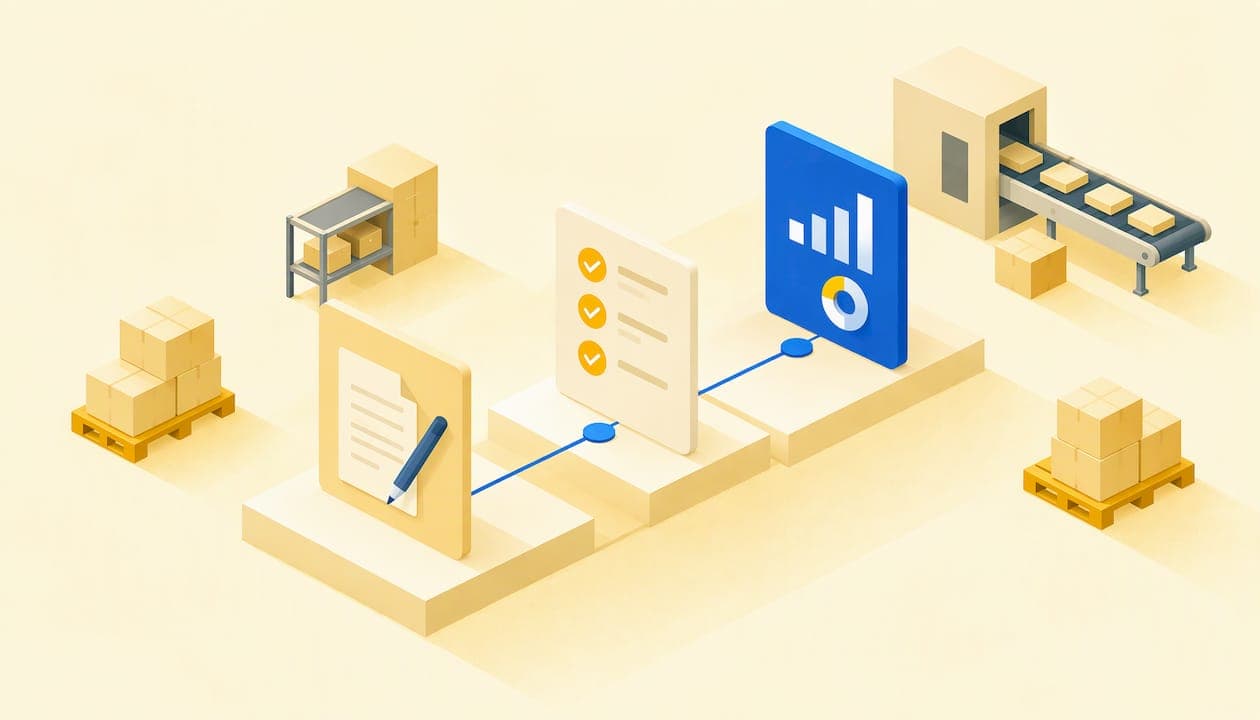
A digital production report is the record an operator completes on a tablet or terminal on the shop floor, as the work happens: which order is being produced, on which machine, how much is produced, how long it takes, and what issues arise. It replaces paper and Excel, and its real value lies in getting data to planning, quality, and management without anyone having to enter it twice. In this article, we explain what it should contain, how to implement it without embarking on an endless project, and what management can decide based on that data.
In brief
-
The digital report captures the order, part, operator, quantities, times, and issues in real time, directly from the machine or workstation.
-
It is best to start with a repetitive process that involves a lot of manual recording and run a pilot on a single machine or line, using simple screens.
-
The report creates value when connected to MES and ERP: this is where OEE, cycle times, costs, and batch traceability come from.
-
The recording frequency (hourly, per shift, every certain number of parts) is defined before digitization, so alerts can be automated.
-
At Bold Factory, we handle this within a single platform for production, planning, warehousing, and maintenance, designed for shop-floor tablets.
Table of contents
What a digital production report is and what it is used for
A traditional work report is a sheet that the operator fills out at the end of a shift, sometimes from memory, and that someone later enters into Excel or the ERP. Hours or days can pass between the moment something happens and the moment management sees it. This delay explains many of the daily fire drills in a factory: it is discovered too late that an order is behind schedule, a machine has been down, or a batch has defects.
The digital report changes the order of things. The operator starts and closes tasks on a screen, the system calculates the times, and quantities are associated with the manufacturing order from the very first minute. For management, that means three concrete things:
-
Immediate visibility into the status of every order and machine, without having to walk around the shop floor.
-
Reliable data for costs and deadlines, because it is recorded at the source rather than reconstructed.
-
Traceability of what was done, who did it, and with what result.
Production report and work report are used almost interchangeably. In a machining or carpentry plant, we are talking about the same thing: the record of an operation on an order. What varies is the level of detail required at each workstation.
What data the report should include
There is no single template, but almost every factory needs a core set of data. For quality control, the AFM Cluster and Acelera Pyme guide proposes recording the part reference, machine or line, operator, measured values, OK/NOK result, and detected issues. This is a good foundation that can be extended to the other operations.
| Block | Typical data | What it is used for |
|---|---|---|
| Identification | Manufacturing order, reference, batch | Traceability and costs by order |
| Resource | Machine or line, operator, shift | Workload and OEE |
| Times | Start, end, downtime and its reason | Cycle time and availability |
| Quantities | Good parts, rejected parts, rework | Yield and scrap |
| Quality | Measured values, OK/NOK | Process control and nonconformities |
| Issues | Breakdown, material shortage, tooling change | Maintenance and planning |
A practical tip: every field you add means one more second of work for the operator. If a data point does not inform a decision, it does not belong in the report. A report that takes five taps is better than a comprehensive one that nobody fills out.
How operators record production and issues from the shop floor
The typical workflow in a discrete-manufacturing SME, whether in metal, furniture, textiles, or packaging, is very short:
-
The operator identifies their workstation or identifies themselves on the tablet.
-
They select the order assigned to them, which already appears in their list according to the production plan.
-
They start the operation. The system starts counting the time.
-
If there is downtime, they record it by choosing a reason from a predefined list, rather than typing free text.
-
When they finish, they declare the good and rejected parts and close the operation.
Predefined lists of downtime reasons are key to making the data useful later. “Breakdown,” “material shortage,” “reference change,” and “waiting for quality” can be analyzed; a free-text comment cannot.
The interface matters just as much as the functionality. Acelera Pyme recommends designing simple interfaces and explaining the benefits to support adoption. At Bold Factory, we designed the platform so any operator can use it on shop-floor tablets without lengthy training, because the person who decides on the subscription is not the person who uses it every day, and the tool only works if the person at the machine uses it.
Quality issues in the report itself
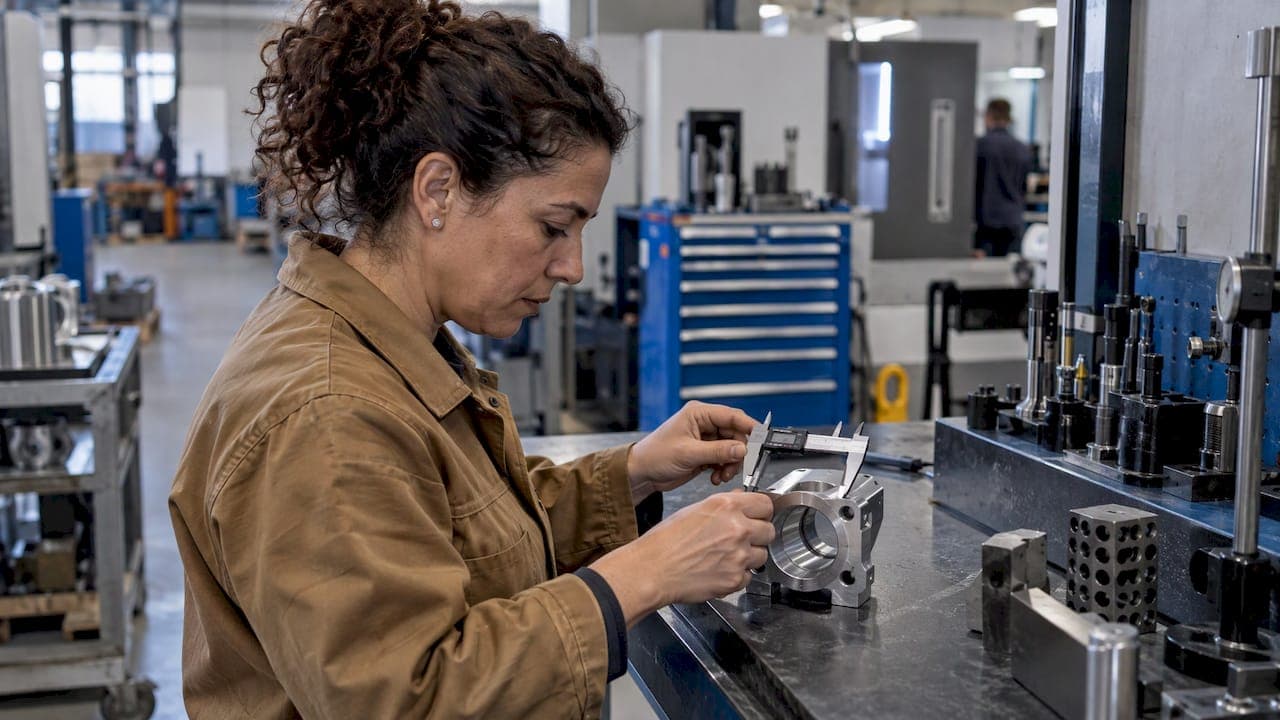
Quality checks can be integrated into the same workflow. If an operation requires measuring a dimension, the system requests the value, marks it OK or NOK, and records the issue. For short-run machining, the logic behind deciding when and how to inspect during the process is explained well in this analysis of in-process inspection in short runs. And for incoming materials, our documentation explains how to configure and complete incoming inspection checks.
How to implement digital reports without an endless project
The most common mistake is trying to digitize the entire factory all at once. The experience described by Acelera Pyme points in another direction: choose a repetitive process with a lot of manual recording and an impact on production or quality, define the information, roles, and recording frequency, and start with a pilot on one machine or line.
Step 1: choose the process and pilot machine
Look for the area that generates the most paperwork and where a recording error is most costly: the bottleneck machine, the line with the most complaints, or the process that consumes the most administrative hours. A limited pilot lets you learn with little risk.
Step 2: define what is recorded, by whom, and how often
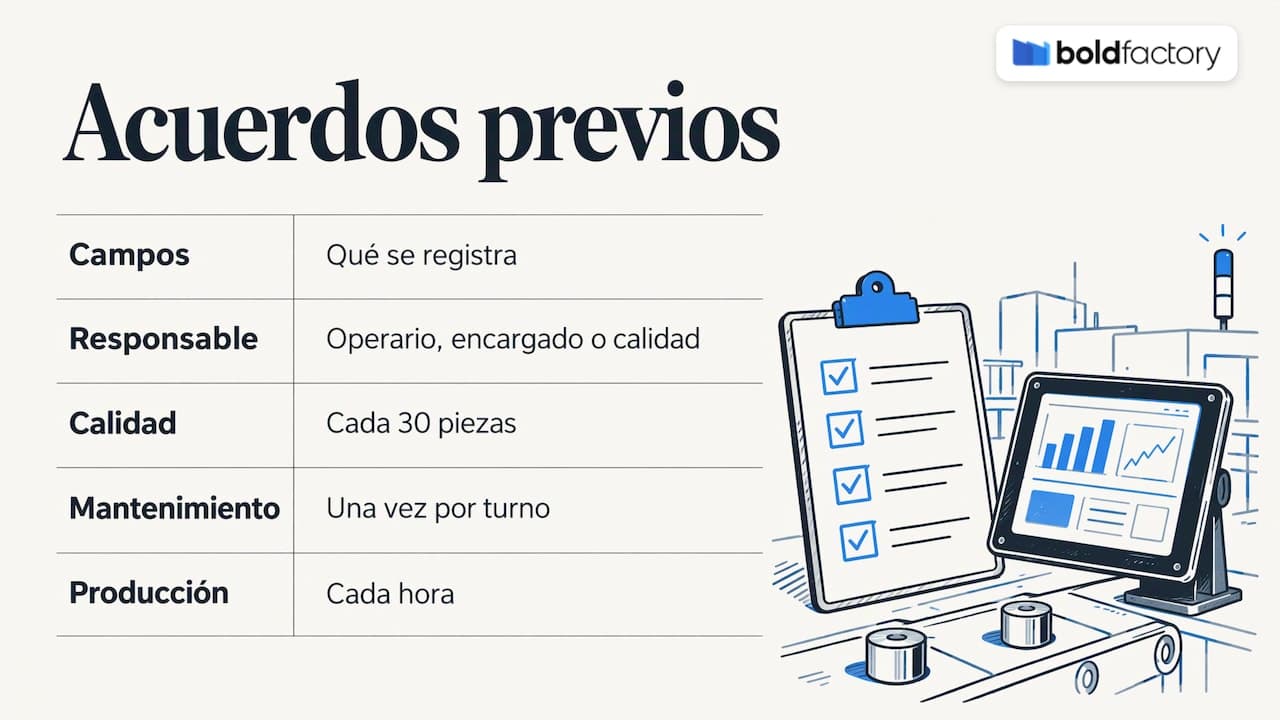
Before touching the software, agree on three things: the fields in the report, who fills them out (operator, supervisor, quality), and the frequency. Acelera Pyme gives examples of frequencies that can then be used to automate alerts: quality checks every 30 parts, a maintenance checklist once per shift, and production recording every hour. These are guidelines; every process has its natural rhythm.
Step 3: prepare the master data
A digital report is only as good as the data around it: items, routes, operations, machines, and operators. If orders arrive with duplicate references or incomplete routes, the operator will notice on the first day. Take the time to clean this up before launch. If you plan using orders and routes on our platform, the production plans explain how the work that later reaches the operator is organized.
Step 4: train operators by leading with the benefits
Resistance often comes from a feeling of being monitored. Explain what the operator gains: no more filling out paperwork at the end of the shift, clarity about what to do next, and downtime due to material shortages being recorded for what it is—a problem with the system, not the person.
Step 5: measure, adjust, and expand
After a few weeks, review which fields are being filled in incorrectly, which downtime reasons are unnecessary, and what information planning is missing. Then extend the model to the next machine. If you want to see how to get started in practice, the getting started guide walks through the initial setup.
The reality of Spanish SMEs justifies this gradual approach. The UPM and Confemetal study on metal-industry digitalization draws on a sample of 318 companies, mostly small (50.4%) and medium-sized (26.3%), that is, a business landscape where teams are small and resources for long projects are limited.
Integration with MES, ERP, and other systems
A standalone digital report is just an Excel spreadsheet on a tablet. Its power comes from connecting it to the rest of the system. According to Acelera Pyme, the most common systems for integrating shop-floor digitization are MES for production monitoring, ERP for order traceability, SCADA for machine data, and industrial sensors for automatic process data.
In practice, an SME usually already has an ERP that manages orders, invoicing, and accounting, and is missing the shop-floor layer. The approach we advocate is simple:
-
The ERP remains the source of orders and customer data.
-
The shop-floor platform receives the orders, plans them, and executes them using digital reports.
-
Actual quantities, times, and consumption are sent back to the ERP via API.
This way, what already works is not replaced, and double data entry is avoided. We explained the technical approach in our article on industrial API integration with ERP, and connection details are on the API integrations page, where the price is not published.
What management can decide based on report data
The report feeds indicators. In its data-driven industrial strategy, the Acelera Pyme Office lists groups of indicators that draw on this type of record:
-
Operations: OEE, availability, performance, units per hour, cycle time, and machine hours.
-
Quality: scrap percentage, PPM, cost of poor quality, complaints, rework, and defect rate.
-
Inventory: turnover, stock coverage, OTIF, and lead time.
-
Finance: gross margin, unit cost, and machine-hour cost.
These lead to decisions about planning, capacity, purchasing, training, pricing, or product profitability. The same resource describes a case in which management set up a monthly KPI dashboard and launched projects such as SMED to reduce changeover times on the critical machine. They also reduced batch sizes for low-turnover references and connected planning, sales, and production before accepting urgent orders.
There is no need to start with twenty indicators. Just three can change the conversation at the weekly meeting: actual versus estimated hours per order, downtime causes ranked by time lost, and rejection percentage by reference.
Traceability and quality: what the standard requires
The digital report is also the documentary basis for traceability. Clause 8.5.2 of ISO 9001:2015 establishes that the organization must control the unique identification of outputs when traceability is a requirement, and retain the documented information needed to enable it. Clause 8.5.1 also requires production to be carried out under controlled conditions, with documented information defining product characteristics, appropriate monitoring and measuring resources, and monitoring and measurement activities at suitable stages.
If your factory operates in the food sector, Regulation (EC) No 178/2002 requires operators in the supply chain to have a system that makes it possible to identify the origin and destination of their products, according to the summary of the standard in the requirements document mentioned above. The ASPAPEL guide (2024) also notes that the information must make it possible to identify, among other details, the place of production, date, batch, shift, or manufacturing order number.
A well-designed digital report captures precisely those elements (order, batch, shift, date, operator) without additional effort, and retains them in a searchable form. When an audit or complaint comes in, finding out which batch came from which machine is no longer a matter of searching through folders.
How we handle it at Bold Factory
At Bold Factory, we have designed a single platform for industrial SMEs with between 5 and 100 operators, bringing together production (MES), planning and purchasing (MRP), warehousing (WMS), and maintenance (CMMS). Digital reports are recorded on shop-floor tablets through an interface designed for operators, and data flows to planning, warehousing, and maintenance without duplicating tasks. Our implementation is designed to take just a few weeks, with no long-term commitment, and AI agents automate repetitive tasks based on natural-language instructions.
The available plans depend on the complexity and size of your operation: Lite (€300 per month), Pro (€500 per month), and Scale (from €1,000 per month); you can view them on the pricing page. If you would rather see how it fits into your shop floor, you can get started at bold-factory.com.
Common mistakes when digitizing reports
-
Copying the paper form exactly. A twenty-field form on a screen is worse than paper. Redesign the workflow.
-
Using free text for everything. Without lists of reasons, analysis is impossible.
-
Not closing the loop. If the operator does not see that their data is useful (for better planning, or for replenishing materials on time), they will stop recording it carefully.
-
Trying to measure everything on day one. A pilot with a few reliable fields is worth more than a broad rollout with questionable data.
-
Forgetting maintenance. Downtime recorded in the report is the raw material for planning preventive maintenance.
Frequently asked questions
Does a digital production report replace the ERP?
No. The ERP manages orders, invoicing, and accounting; the digital report captures what happens at the machine and sends it back to the ERP. The usual approach is to integrate them via API to avoid duplicate data entry.
What do I need on the shop floor to get started?
A tablet or terminal for each workstation or group of workstations, a network connection, and well-organized master data: items, routes, machines, and operators. It is recommended to start with a pilot on one machine or line before rolling out the system more widely.
How often should the operator record data?
It depends on the process. Acelera Pyme gives examples such as a quality check every 30 parts, a maintenance checklist per shift, and production recording every hour. The important thing is to set the frequency in advance so alerts can be automated.
Does a digital report help meet ISO 9001 traceability requirements?
Yes, it helps retain the documented information about the order, batch, shift, and operator that the standard requires when traceability is a requirement. Each factory should confirm with its auditor what level of detail its certification requires.