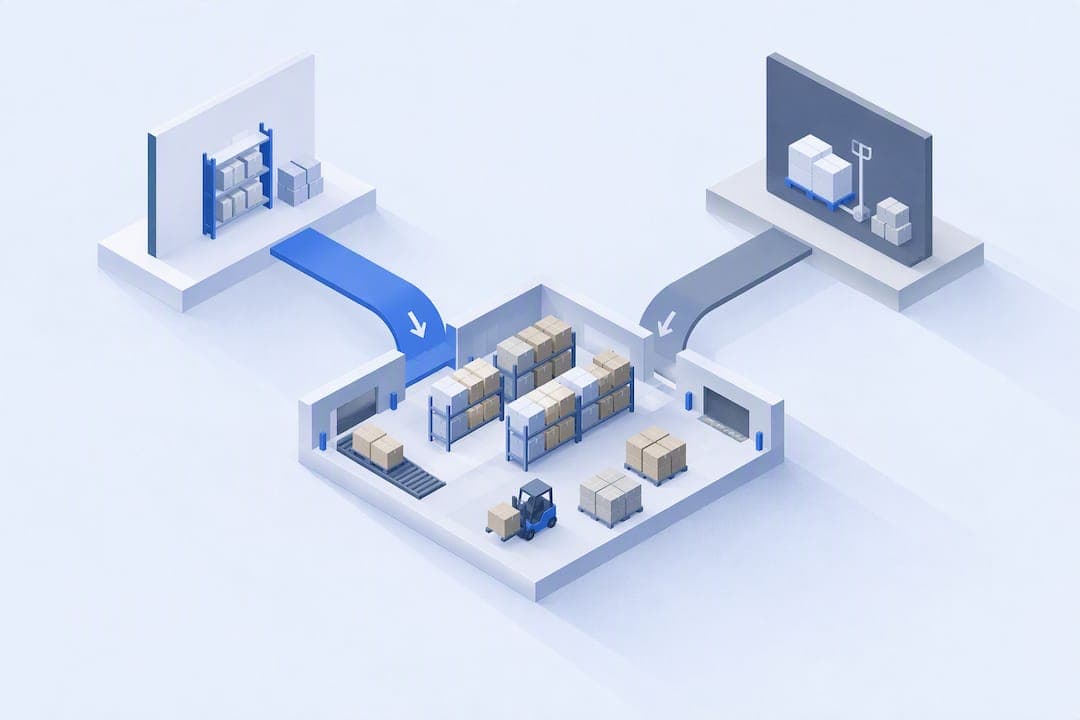
The User Interface in the Agentic Era

2026-10-14
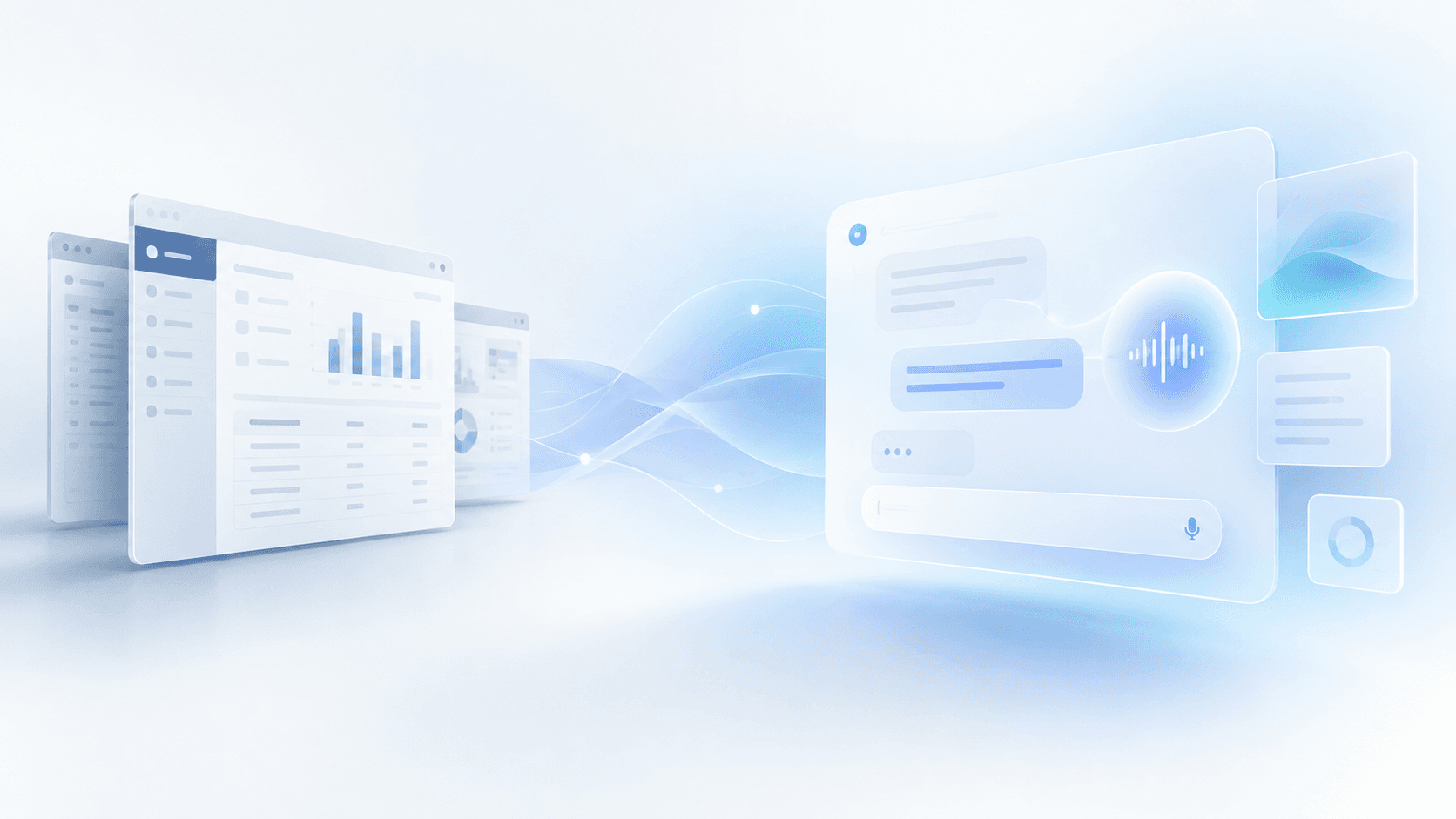
Will we keep designing interfaces for everyone, or start generating them for each user?
What if applications no longer had a fixed interface?
For decades, the way we use software has been more or less the same.
Someone designs an application, decides which screens it needs, where to place the buttons, how to organize the menus, and what information to show at any given moment. Then thousands of users learn to work with that interface.
Of course, applications have evolved enormously. But there is one thing that has barely changed: the user has to adapt to the structure of the software, not the other way around.
This makes sense. Designing and developing interfaces costs money, and it isn’t viable to build a different application for every customer, department, or user.
But we’re entering a scenario where that limitation is beginning to disappear.
AI models are already capable of interacting with applications, querying their data, executing actions, and generating functional code. And all signs point to these capabilities continuing to improve while their cost decreases.
So an interesting question is starting to emerge.
If an agent can use an application for us, why do we need to learn how to use it?
The answer depends not only on what AI is capable of, but also on how we prefer to work.
Do we really want to replace interfaces with conversations?
When LLM-based assistants began to gain popularity, it seemed reasonable to imagine a future in which we would interact with all software using natural language.
And not necessarily by typing in a chat. Voice opens up especially interesting possibilities: we can talk to software while walking, driving, or doing tasks that require our hands to be free.
In a factory, for example, a worker could check what their next task is or report an incident without having to go up to a screen. And a production manager could ask for a summary of the plant’s status while walking around the facility.
There are situations where talking is much more natural than navigating an application.
But the fact that we can do something through conversation doesn’t mean it’s the best way to do it.
Let’s consider another case in that same factory.
If I’m the planning manager and need to reorganize the week’s production orders because some customers have indicated a certain level of urgency, do I want to explain every change verbally? Or would I rather see a Gantt chart, visually identify conflicts, and drag some operations between machines?
Probably the latter. Although I might also want an agent to suggest an alternative schedule and explain its consequences.
And the same is true of voice. It’s especially useful when our hands are busy or we can’t pay attention to a screen, but less so when we need to review a lot of information, compare alternatives, or work in a noisy environment.
Visual interfaces don’t exist only because, until now, we haven’t had a better way to communicate with machines. They allow us to explore information, recognize patterns, compare alternatives, and perform actions efficiently.
They also have a property we sometimes forget: we learn them.
Once we know where a feature is and how it works, we can use it almost automatically. We don’t need to explain our intention again every time.
So perhaps the question isn’t whether agents will replace interfaces, but what kinds of interfaces will make sense to use when agents are part of every application.
Four possible futures for UI
1. A universal assistant that replaces applications
The first scenario, and probably the most radical one.
Instead of going into different applications, we use a single personal assistant (Claude, ChatGPT...) that knows our context and can interact with all the systems we need.
We want to check billing, create a production order, or book a trip. We ask the assistant, in writing or by speaking, and it takes care of using the relevant tools.
The applications still exist, but primarily as providers of data, business rules, and actions.
The user barely needs to know their interfaces.
This is no longer a particularly futuristic idea. Protocols such as MCP make it possible to expose tools and context to external agents, and more and more applications can be used this way.
The advantage is obvious: we no longer have to learn how to use dozens of applications.
But some problems arise.
The first is that not all interactions are conversational by nature. For tasks that require visual exploration or frequent manipulation of information, a chat can introduce more friction than it removes.
The second is control. When an assistant performs several operations for us, we need to know what it’s doing, what decisions it has made, and which ones require our approval.
And there’s a third issue, more closely related to the software vendors themselves: if the entire experience takes place within a general-purpose assistant, applications lose much of their control over how their users interact with them.
Does this mean the scenario has no future? Not at all.
In fact, I find it especially appealing for occasional tasks, processes that span several applications, or situations where we don’t know exactly where to find what we need.
But it’s hard to imagine it always being the most efficient way to work.
2. Applications keep their interfaces, but add agents
This is the most incremental scenario and probably the easiest to adopt.
We keep using our usual applications, with their menus, screens, and workflows. The difference is that they now include agents that help us use them.
Let’s return to the factory example.
The planning manager can keep working with their Gantt chart, but now they can ask the agent to identify bottlenecks, suggest a reorganization, or explain the consequences of moving up an urgent order.
The interface stays the same, but we no longer need to perform every operation manually.
This approach combines two important advantages: we keep a familiar experience and take advantage of agents’ ability to automate tasks.
It also makes it easier to keep actions integrated with the application’s permissions, validations, and processes.
Its main limitation is that the interface structure is still defined in advance.
The vendor has to decide which screens to develop and how to organize each feature. If a customer needs a different workflow, we’re probably still talking about configuration, custom development, or some specific adaptation.
And if every application adds its own assistant, we could end up replacing an ecosystem of fragmented applications with another one of equally fragmented assistants.
Even so, there are many reasons to think this model will have a lot of staying power, at least in the short term. Especially in specialized software, where users already know their tools and get value from interfaces designed specifically for their tasks.
3. Interfaces generated on the fly by agents
The third scenario strikes me as one of the most interesting.
Instead of choosing between a traditional application and a conversation, we let the agent generate the interface we need at any given moment. OpenAI recently took the first steps in this direction with what it has called “Intelligent UI.”
Imagine we ask:
“Show me all the production orders that could be delayed this week, grouped by machine, and let me change their priorities.”
Instead of responding with a text list or sending us to an existing screen, the agent generates an interactive interface tailored to that request.
Perhaps a table with filters, a workload chart, and controls for changing priorities.
And when we’re done, that interface can disappear.
This radically changes how we think about software design.
We no longer need to anticipate every screen that might be useful. We can build them on demand, using each user’s specific context and needs.
It also removes some of the problem of customization. If someone needs a different visualization, they simply ask for it.
But an interesting contradiction arises here.
If my assistant generates a completely different application every time I ask something, perhaps we’ve eliminated the cost of learning one interface only to have to learn a new one each time.
Imagine that we check the same production indicators every morning.
Do we really want the agent to decide all over again how to present them? For the filters to change position, the actions to be organized differently, or the visualization to be slightly different?
We can introduce common components and patterns to avoid this, of course. And we can also let the agent reuse previous interfaces.
But then we start moving toward another scenario: generated interfaces that stop being temporary.
In any case, I think ephemeral interfaces make a lot of sense for one-off queries, exploratory analysis, and needs that would be impossible to anticipate while developing an application.
The question is what happens when those needs stop being one-off.
4. Applications with fully customizable interfaces
The fourth scenario starts from a different idea.
What if, instead of generating a new interface for every interaction, we could build an interface tailored to each user and keep it?
The application would still provide the features, data, and business rules. But its interface would no longer have to be identical for all customers.
A production manager could work with a dashboard designed around their usual indicators and decisions. An operator would have a completely different interface, tailored to the tasks they perform at their workstation.
And two factories using the same software could have very different experiences, because their processes and needs are different too.
Until now, this has presented a significant economic problem.
Every customization required development, testing, and maintenance. And the more different versions of an application you maintained, the harder it became to evolve the product.
But if generating and modifying code keeps getting cheaper, that equation begins to change.
We could imagine much of the customization taking place during the implementation of software, with the help of agents, without the vendor having to manually develop every screen.
Or users themselves could request changes to their interface.
Naturally, this introduces new problems.
How do we prevent every customer from ending up with an application that’s impossible to maintain? How do we update shared features without breaking customizations? Who ensures that a generated interface respects the system’s permissions and rules?
And, above all, how do we maintain a consistent experience when every user can modify it?
Total customization is very appealing, but it can also become a problem if it isn’t built on a solid foundation.
There probably won’t be a single winner
So far I’ve presented four scenarios, but they aren’t actually mutually exclusive.
A universal assistant can show generated interfaces. A traditional application can incorporate agents. And an application with customizable interfaces can also use temporary interfaces to meet one-off needs.
Even voice, which at first glance might seem like a fifth scenario, is actually a form of interaction that fits with all the others. We can talk to a universal assistant, give instructions to an agent built into an application, or verbally ask for an interface to be generated and then interact with it visually.
I think the interesting thing is understanding when each approach adds the most value.
There are three factors that seem especially relevant to me.
The first is frequency of use.
For a task we do once a month, learning a specialized interface probably doesn’t make sense. An agent can solve it directly or generate a temporary tool.
But for a task we repeat fifty times a day, familiarity and efficiency start to matter much more.
The second is visual complexity.
Some problems can be solved perfectly well using natural language. Others require visualizing large amounts of information, comparing scenarios, or manipulating elements directly.
The third is variability in needs.
If all users perform practically the same tasks, it makes sense to design a common experience and optimize it carefully.
But if every company, department, or user works in a different way, having adaptable interfaces can add a lot of value.
This leads me to think that the future won’t necessarily be a world without interfaces, nor one where all software constantly generates new screens.
We’ll probably have different ways of interacting, and agents themselves will help us choose between them.
For those of us who develop software, the question will be which interfaces are worth designing for everyone, which ones make sense to generate temporarily, and which should be customizable and kept.
Our bet at Bold
At Bold, we’ve been thinking about this problem for a while.
We develop software for managing industrial operations and, if there’s one thing we’ve learned from working with factories, it’s that two companies can manufacture similar products and still need quite different ways of managing their operations.
Even within the same factory, the needs of a planning manager, a shift supervisor, and an operator can be radically different.
The traditional approach forces us to look for a difficult balance.
On the one hand, we want to build a standardized, maintainable product that evolves for all customers.
On the other, we need to adapt to real processes that rarely fit perfectly into a generic interface.
Until now, deep customization of an application has had a cost that was difficult to justify for many customers.
With AI, we believe this can change.
Our hypothesis is that software should maintain a shared foundation of features and business rules, while allowing much of its interface to be built and customized using agents.
We’re not just talking about changing colors or rearranging the fields in a form.
We’re talking about being able to build complete experiences around each company’s needs, drawing on the capabilities the product already offers.
To make this viable, we believe there are two fundamental pieces.
The first is to clearly separate the system’s capabilities from their visual representation.
An agent can query data or execute actions, but that doesn’t mean it should implement the business logic on its own. Validations, permissions, and rules must remain governed by the application.
The second is to provide a library of reusable components and interaction patterns.
We don’t want every generated interface to have a completely different aesthetic or behave in an unpredictable way.
We want enough freedom to meet specific needs, but also a shared foundation that makes it possible to maintain the product’s consistency.
And, above all, we believe many of these interfaces should be able to persist.
If a production manager needs a specific screen and uses it every day, it doesn’t make much sense to generate it from scratch in every session.
The sensible thing would be to build it once, let it evolve, and take advantage of the knowledge the user has already acquired by using it.
This doesn’t mean we’ve solved all the problems. There are difficult questions related to security, product updates, isolation of customizations, and their long-term maintenance.
Nor does it mean that all interfaces should be generated. Many common screens will still be better if they’re designed and optimized centrally.
But we do believe the boundary between what the vendor should develop and what can be customized for each customer is going to shift considerably.
And that this could significantly change the economics of enterprise software.
The future of UI doesn’t have to mean less UI
For years, we’ve designed interfaces trying to find the best possible solution for thousands of different users.
AI introduces a new possibility: not everyone has to use exactly the same one.
Some tasks will disappear behind agents. Others will still need carefully designed interfaces. And many will be solvable through experiences generated or adapted to specific needs.
But there’s something we shouldn’t lose sight of.
The fact that building an interface is getting cheaper doesn’t mean that using it, understanding it, and trusting it no longer comes at a cost.
Perhaps the future isn’t about eliminating interfaces, but about no longer treating them as something that necessarily has to be the same for everyone.
Because total customization doesn’t have to mean total inconsistency.