How Bold Applies UX Principles in the Industrial Environment

2025-12-18
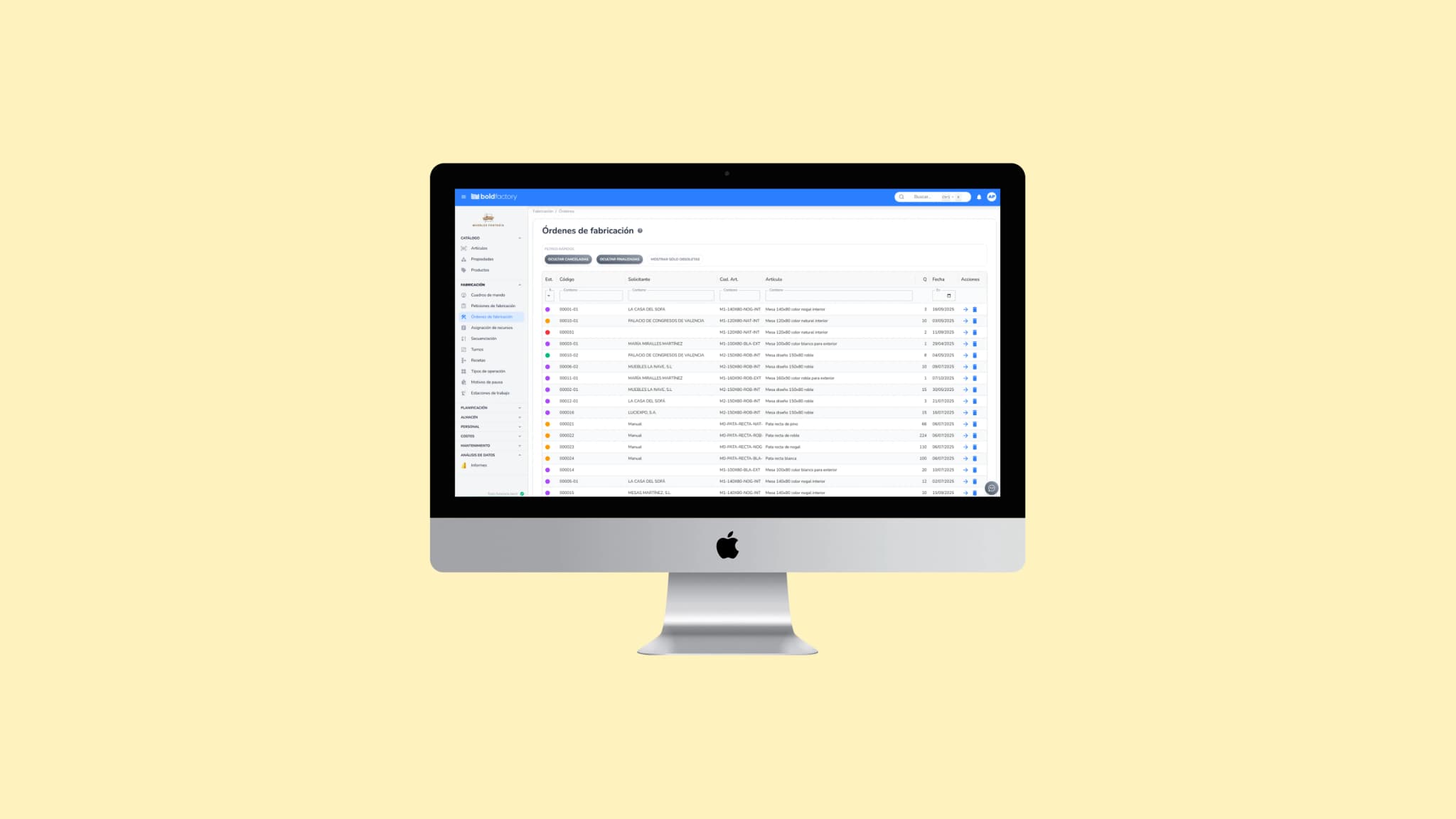
Overcoming usability challenges in industrial software requires applying clear and consistent design principles that reduce friction and make adoption easier. At Bold, as a MOM (Manufacturing Operations Management) platform, these principles have been adapted to the factory context with examples such as the following:
1. Progressive onboarding
One of the biggest obstacles to industrial digitization is initial resistance. To mitigate it, Bold offers progressive onboarding, where users start with essential functions and gradually discover advanced ones.
- An operator can start by recording orders or consumption without having to learn the system’s entire logic.
- Later, once they feel comfortable, features such as advanced sequencing or cost analysis are introduced.
This approach reduces the learning curve associated with many traditional ERP and MES systems, where users are confronted with all the functionality at once.
2. Visual and semantic consistency
The user experience breaks down when every module seems to belong to a different piece of software. In Bold, all modules—production, warehouse, maintenance planning, and quality—maintain visual coherence and a shared language.
- Buttons follow the same color and position patterns.
- Actions are named consistently (for example, “launch order” always means the same thing in every module).
This consistency reduces cognitive load: when users learn to use a function in one area, they instinctively know how to act in another.
Coherence also extends to data visualization through information design techniques that make data easier to read in industrial environments:
- Clear visual hierarchy: critical elements (delays, incidents) are highlighted with different colors and sizes.
- Useful microinteractions: tooltips and pop-ups show more detail only when users request it.
- Responsible use of color: color reinforces information but is never the only signal (for example, alert icons are shown alongside red).
This approach minimizes misinterpretation, especially in noisy environments, on touchscreens, or among workers with limited digital experience.
3. Reducing friction in key processes
In a factory, every extra click wastes time and increases the risk of error. That is why Bold focuses on simplifying processes:
- Launching a manufacturing order from a request can be done in one click.
- Recording consumption or incidents is done on screens optimized for the shop-floor context, with no unnecessary steps.
- Long forms are divided into small, guided steps, which reduces frustration.
While other B2B software primarily seeks to accelerate commercial adoption, in the industrial sector UX is a condition for the system’s survival. If operators do not record data because the interface is uncomfortable to use, the factory loses visibility and the project fails.
Bold’s commitment to simple, consistent, and progressive UX ensures that even teams with little digital experience can work with the platform from day one, building trust and bringing about real cultural change in factory management.
Designing for different user profiles: from operator to manager
Another major challenge for industrial UX is that a single system must serve users with very different roles and expectations. In factory software, this diversity is even more pronounced: a line operator, a shift supervisor, and an operations manager do not share the same goals, but they all need reliable information to make decisions.
At Bold, the user experience has been designed specifically for each profile:
1. Operators: simplicity and clarity on the shop floor
Operators are the people who interact with the system the most. Their priority is not to analyze metrics, but to carry out tasks and record data without friction.
- Touchscreen work mode: screens with large, clear buttons, optimized for tablets and industrial terminals.
- Step-by-step instructions: each operation is accompanied by brief visual instructions that reduce errors and reliance on supervisors.
- Quick recording of consumption and incidents: a task that requires 6–7 clicks in other systems can be completed in 1 or 2 steps in Bold.
Here, UX is not about aesthetics: it is the difference between data being recorded correctly and being lost due to a lack of time or interest.
2. Shift supervisors: visibility and control
Supervisors need an intermediate view: broader than an operator’s, but without the manager’s analytical complexity. For them, Bold offers:
- Real-time dashboards showing the status of each workstation.
- Visual alerts for incidents and delays.
- Integrated management of human and material resources, without having to consult several applications.
Their goal is to keep the factory running without interruptions, and the interface must let them do so in seconds.
3. Executives and managers: strategic perspective
Operations leaders and executives need aggregated indicators on productivity, costs, and lead times.
- Strategic dashboards with key business metrics.
- Dynamic reports that can be customized without technical support.
- Cross-analysis: relating delays, stock, and operational efficiency.
Here, UX seeks balance: providing depth without unnecessary complexity.
By adapting the interface to each of these profiles, Bold ensures that the platform is not just a management system, but a tool that is genuinely used and valued at every level of the organization.
Designing for different user profiles is not optional; it is a critical necessity in industrial software. Usability must reflect the differences between users so each one can find exactly what they need, without noise or redundant steps.
📘 In the next article: we’ll look at how good UX drives adoption, improves efficiency, and multiplies the return on industrial digitization, as well as discuss some of the trends that will shape the future of factory software.