UX on the Factory Floor: The Hidden Key to the Failure (or Success) of Industrial Digitalization

2025-12-04
In the day-to-day operations of many manufacturing SMEs, factory management still relies on Excel, paper, and manual processes. This results in a structural lack of visibility: managers are unsure what is happening on the shop floor in real time, human errors affect traceability, and decisions tend to be more reactive than strategic.
In this context, when an SME decides to take the leap into digitalization, it encounters an offering dominated by ERP or MES systems designed for large corporations, often for environments with machines controlled by PLCs (Programmable Logic Controller). Although these systems are powerful in terms of functionality, they tend to share two clear limitations:
- Interfaces designed for consultants and specialized technicians, not for operators who need to record data quickly and without room for error.
- Long and costly implementations, which often exceed an SME’s investment capacity.
Despite investing in “advanced” systems, actual adoption tends to be low. In many cases, these projects end up failing and being abandoned, or running alongside Excel spreadsheets, perpetuating inefficiency.
The key is to understand that digitalization does not depend solely on the technical power of the software, but also on whether the people who use it every day want to and can use it easily. This is where user experience (UX) comes into play.
Good UX turns a complex system into an accessible, practical tool. In B2B SaaS, interface design and the reduction of friction have been shown to be decisive factors in a product’s success. In an industrial context, this is even more critical: the software must be so simple and reliable that an operator can learn to use it in minutes, not weeks.
This first article in the series on UX on the factory floor explains why user experience is the decisive factor in industrial software and how its absence explains the failure of many digitalization projects.
The UX challenges of MOM software for SMEs
Digitalizing an SME does not mean installing software and waiting for results. The industrial context presents challenges that differ greatly from those faced by other B2B products, and user experience is particularly affected by three key factors.
1. Functional complexity
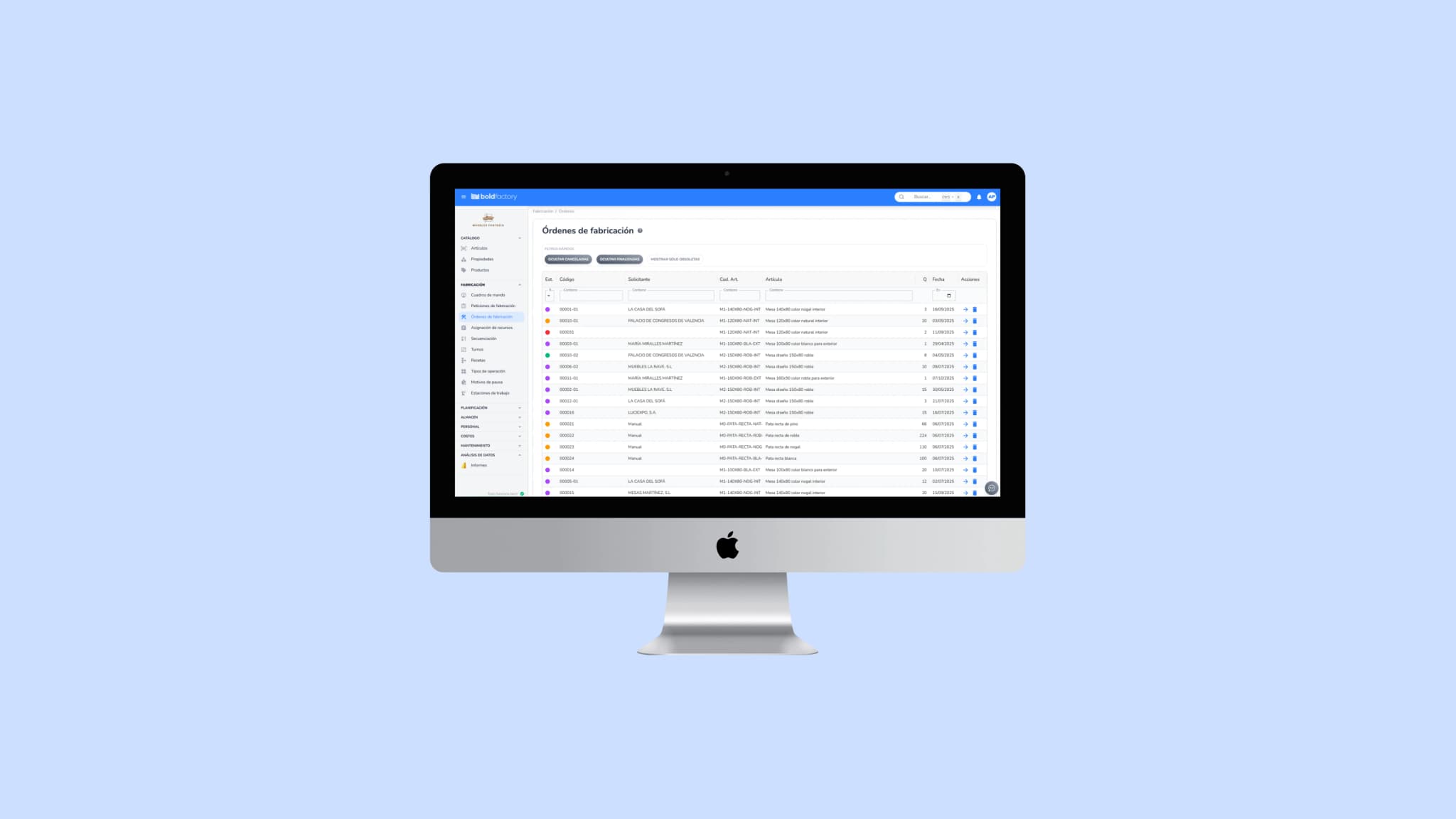
A MOM system integrates modules ranging from production planning and control to warehouse management, maintenance, or costs. This breadth of functionality, which is an advantage, can become an obstacle if the interface is not well designed. Traditional systems often feature endless menus, dense screens, and unintuitive configurations that end up overwhelming users.
In an SME, where time and resources are limited, this excess complexity can cause the software to be abandoned after a short time, leading users to rely on Excel or manual processes again.
2. Diverse user profiles
Another fundamental challenge is that very different user profiles share the same platform:
- Shop-floor operators, who need simple touchscreen displays and clear buttons to record times or consumption.
- Shift supervisors, who need real-time visibility into orders, incidents, and available resources.
- Executives, who are looking for aggregated productivity, cost, or on-time delivery indicators.
Designing an interface that works for all of them without taking a one-size-fits-all approach is a challenge that many industrial systems have yet to solve. When software does not properly distinguish between these profiles, it ends up being too complex for some and too limited for others.
3. Limited training and support
Unlike large corporations, SMEs cannot dedicate weeks to training or hire consultants to guide them through every step of implementation. The software must be intuitive from the first use, so that any employee can learn the essentials in hours, not days.
In generic B2B SaaS, a poor user experience often leads to partial or no adoption. In industry, the impact is even greater: if shop-floor operators do not use the system because they find it slow or confusing, management will never receive the data it needs to plan or make strategic decisions.
4. Too much information on dashboards
In many industrial systems, dashboards end up becoming a wall of metrics: cluttered charts, redundant indicators, and data that is not very useful for day-to-day work. What should be a tool for quick decision-making turns into noise that slows down work.
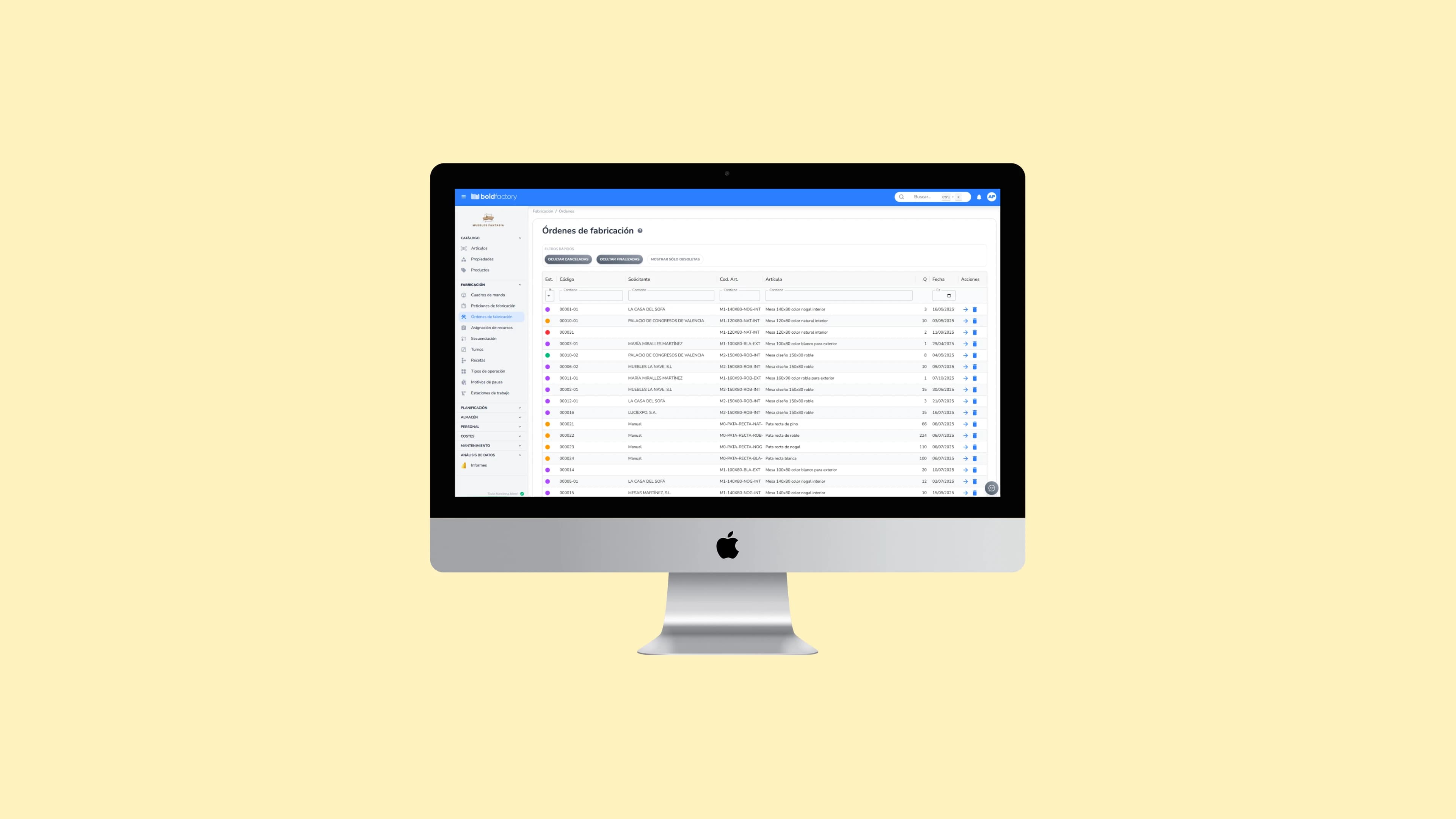
At Bold, the design prioritizes showing only what is essential for each role. This approach keeps each user from wasting time interpreting irrelevant information. And when a specific use case requires a different level of detail, the platform lets users create custom dashboards tailored to the metrics and processes specific to each factory.
📘 In the next article: we’ll look at how Bold applies design principles specific to the industrial environment, with a consistent, progressive UX centered on the people who actually use the software.