Mobile interface for operators: what it should include and how to validate it on the factory floor

2026-09-29
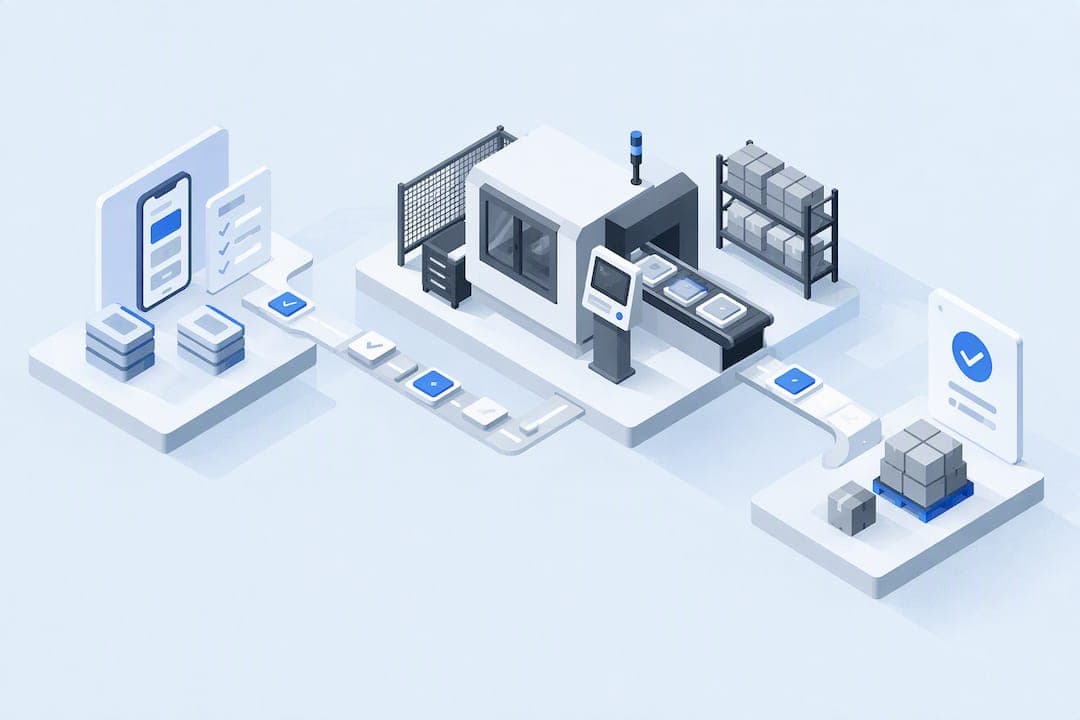
An effective mobile interface for operators prioritizes the day’s tasks, works with gloves and in real factory-floor conditions, and guarantees synchronization and security even without a stable connection. Bold Factory addresses many of these requirements from a single platform. This article covers design, integration, regulatory compliance, user validation, and the metrics that confirm whether the tool works.
In short:
The app should let operators complete a work report with a single tap, using essential fields and quick capture with photos and predefined checklists.
Ergonomic design requires large buttons, simple controls, and visual, audible, and vibration feedback for effective use with gloves and in noisy environments.
Integration with other systems should be based on open APIs, explicit semantic mapping, and offline operation through a PWA interface that avoids failures in areas with patchy coverage.
Factory-floor security requires compliance with the National Security Framework and the use of network segmentation, encryption, multifactor authentication, and role-based permissions.
Validation with operators, key metrics, and change governance ensure adoption, while the main indicators are average time per work report and completion rate.
Table of contents
-
Design for real factory-floor use: ergonomics, gloves, and feedback
-
Integration and resilience: interoperability, PWA, and offline synchronization
-
Security and compliance for mobile devices on the factory floor
-
Validation with operators and adoption: usability testing and change governance
-
Metrics and KPIs for evaluating whether the mobile interface works
Minimum functional requirements for the daily work report
Before discussing aesthetics or technology, you need to define the minimum workflow the app must complete without friction: operator sign-in, task preparation, assignment, execution, work-report completion, and sending that data to billing or cost control. An app that does not complete this cycle does not solve the real problem, no matter how attractive its interface is.
The actions operators repeat dozens of times a day should be one tap away: calling a supervisor, navigating to a location, or changing an order’s status. Adding intermediate menus for frequent tasks multiplies the time lost on every shift.
-
Essential work-report fields: order identification, time spent, incidents, and a signature or final validation; everything else is optional.
-
Simplified capture: one-tap photos and predefined checklists replace free-text fields, which are slow and generate inconsistent data.
-
Deferred synchronization: the app must save data locally and sync as soon as it detects coverage, without interrupting the operator while they work.
-
PWA design: a progressive web app with task caching avoids having to install and update native versions on dozens of devices.
Design for real factory-floor use: ergonomics, gloves, and feedback
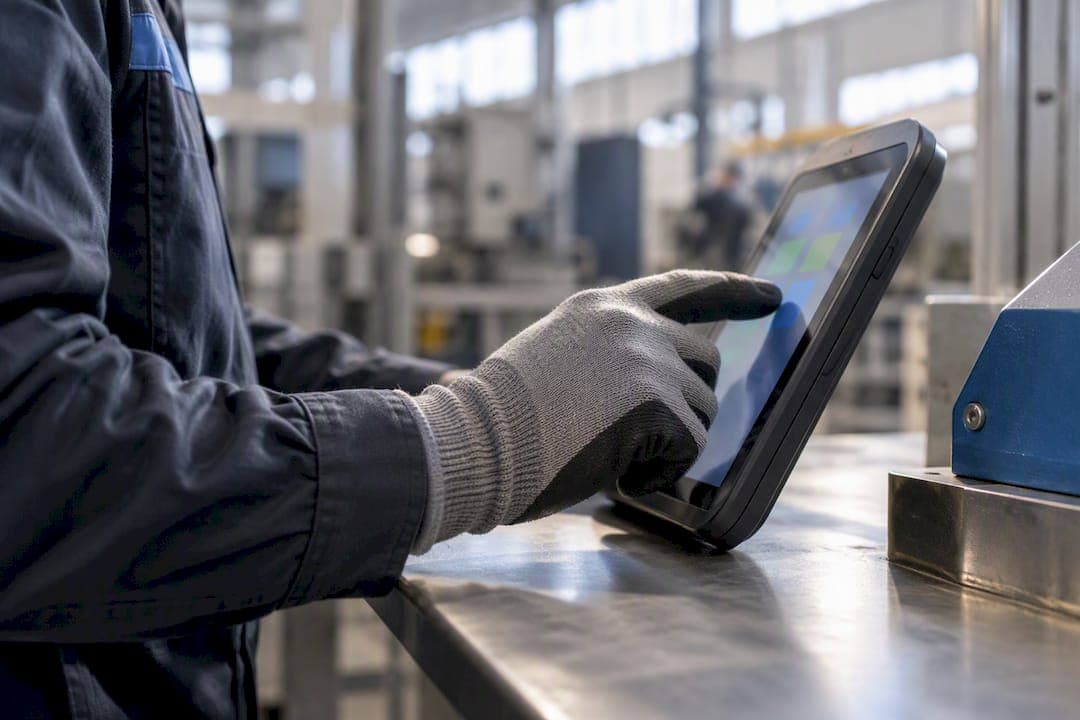
The interface must be designed with the assumption that operators wear gloves, there is background noise, and the screen is checked in a hurry between tasks. Touch accuracy drops considerably when protective gloves are worn, so small controls and screen edges are areas to avoid for critical actions.
-
Large, well-spaced buttons: touch targets should take up a good portion of the screen width and leave enough space between them to avoid activating two actions at once.
-
One tap, never multiple gestures: design principles for use with gloves rule out multi-finger gestures because of the risk of error in physically demanding situations.
-
Explicit confirmations: a “swipe to confirm” pattern reduces accidental taps compared with small buttons in stressful situations.
-
Combined feedback: a critical action should be confirmed with color, sound, and vibration at the same time, because the noise in an industrial facility can drown out audio feedback alone.
-
Readability in all conditions: high contrast, generously sized type, and adjustable brightness are essential when reading with safety glasses or in direct sunlight.
Pro tip: test the interface with the same gloves operators wear before approving any design; what works at an office desk fails on the production line.
Hardware matters too: devices should have an IP rating appropriate to the environment and touch sensitivity calibrated for use with gloves.
Integration and resilience: interoperability, PWA, and offline synchronization
A mobile interface isolated from the rest of the production system creates duplicate work and data that no one ever fully consolidates. Semantic interoperability remains one of the biggest challenges in connected manufacturing: without clear mapping between ERP or MES data models and the information captured by the mobile app, every integration becomes a manual, error-prone translation, according to an analysis published in MDPI.
-
Open APIs as the foundation: prioritizing systems with documented programming interfaces avoids relying on custom development for every connection.
-
Explicit semantic mapping: defining in advance which ERP field corresponds to which app field prevents information silos between the factory floor and the office.
-
Real offline functionality: PWA design with task caching reduces operational failures in factories with patchy coverage and prevents duplicates during synchronization.
-
Conflict management: when two devices modify the same work report offline, the system must resolve the discrepancy according to clear rules, not simply by saying “last save wins.”
-
Limited technical pilot: validating the integration on one production line or one shift before rolling it out across the entire factory makes it possible to identify mapping errors without stopping production.
This approach connects naturally with production control integrated with the ERP, where mobile app data feeds directly into manufacturing orders.
Security and compliance for mobile devices on the factory floor
Mobile devices that access production systems are, in practice, a gateway into the operational network. The teams managing the interface must protect them in accordance with the National Security Framework, which requires OT and IT networks to be separated and access controls to be applied in proportion to risk.
-
Network segmentation: the mobile app should not have direct visibility of industrial control systems; it should go through a managed intermediary layer.
-
Mobile device management: enrolling each device, applying allowlists of permitted apps, and limiting remote access are basic recommended controls for devices with access to OT environments.
-
Encryption and multifactor authentication: work-report data must be encrypted in transit, and access must require more than a simple password.
-
Audit logging: every status change or signed work report must be traceable, with a date and user, to support responses to any incident.
IEC 62443 is frequently cited as a guiding framework for segmenting industrial networks, complementing the requirements of the ENS in Spain.
Interface design must be approached with security in mind, not have it added afterward: contextual authentication (by location or shift) and role-based permissions prevent operators from modifying data they are not authorized to change.
Validation with operators and adoption: usability testing and change governance
Usability on the factory floor is not a design whim; it is an operational safety requirement: a confusing interface causes errors, and an operator who does not trust the app will go back to paper as soon as they can.
-
Early prototype in real users’ hands: short sessions with operators using a prototype, before any final programming begins, reveal problems that no design team can see from an office.
-
Qualitative feedback in the field: observing actual use, rather than just asking questions, reveals friction that operators may not even know how to describe.
-
Brief, on-site training: contextual documentation within the app itself, available when questions arise, replaces long manuals that no one reads.
-
Clear governance: an operations manager must decide which changes are incorporated and how often the process is iterated, preventing every shift from requesting different adjustments.
Pro tip: document every objection operators raise during testing, even those that seem minor: they often foreshadow the real reason for rejection weeks later.
This process connects with the points explained in the article on software for factories and industrial SMEs, which focuses on gradual technology adoption.
Metrics and KPIs for evaluating whether the mobile interface works
Without specific indicators, any mobile-interface rollout is justified by how it feels, not by data. These are the KPIs that make it possible to defend the investment to management:
| Indicator | What it measures | Why it matters |
|---|---|---|
| Average time per work report | Minutes from opening to completing the work report | Shows whether data capture is quick or still bureaucratic |
| Completion rate | Percentage of work reports completed compared with those started | Detects abandonment and friction in the workflow |
| Reduction in calls | Number of calls avoided thanks to the app | Indicates whether the interface replaces manual coordination |
| Reported errors | Data issues or duplicates per week | Measures the reliability of offline synchronization |
| Daily adoption | Percentage of operators who use the app each shift | Confirms whether the tool has become part of the routine |
If average time per work report drops by 10% after a design adjustment, that translates directly into productive minutes recovered each shift, without needing to hire more staff.
Bold Factory as a platform for deploying this interface
Bold Factory brings together on a single platform the modules that are usually spread across different tools: production (MES), planning and purchasing (MRP), warehouse (WMS), and maintenance (CMMS), with an interface designed for any operator to use on a mobile device without extensive training. Integrated AI agents automate repetitive tasks using natural-language instructions, reducing the time spent on work reports and manual checklists.
-
Implementation in days, not months: unlike custom development, the platform can be deployed without a complex project or long-term contract.
-
The system’s native mobile interface: operators do not use an app separate from the ERP; they use the same platform that plans and controls production.
-
API integration: connects to existing ERP systems without replacing what already works.
| Factory need | Bold Factory module |
|---|---|
| Record work reports and control production | MES |
| Plan orders and purchasing | MRP |
| Manage the warehouse and traceability | WMS |
| Machinery maintenance | CMMS |
| Automate repetitive tasks | AI agents |
Pro tip: before a demo, make a list of the three tasks that take your operators the most time each day; it’s the best way to assess whether a platform addresses your specific needs.
The Lite and Pro plans have published prices on the pricing page, where you can also request a demo tailored to the size of your factory.
Regulatory links and techniques cited
-
The National Security Framework sets the mandatory controls for protecting mobile devices in regulated environments.
-
The study on interoperability in manufacturing explains the challenges of semantic mapping between systems.
-
The research on smart interfaces provides evidence on feedback and training.
-
The guide to designing interfaces for use with gloves details ergonomic principles that can be applied on the factory floor.
Sources
Frequently asked questions
What makes a mobile interface usable for an operator wearing gloves?
Controls should be large, spaced apart, and based on a single tap rather than complex gestures. Combining visual, audible, and vibration confirmations compensates for the loss of touch accuracy caused by protective gloves, according to specific design principles.
How should the app work when there is no coverage on the factory floor?
The app should save work locally and sync as soon as it detects a connection, without blocking the operator in the meantime. Designing it as a progressive web app with task caching is the most practical technique for factories with patchy coverage.
What security standards apply to mobile devices in factories?
In Spain, devices that access production systems must comply with the National Security Framework, which requires OT and IT networks to be segmented. The IEC 62443 framework is commonly used as a complementary reference for this segmentation.
How much does it cost to implement a platform like Bold Factory?
The Lite plan costs €300 per month and the Pro plan €500 per month, according to the Bold Factory pricing page. The Enterprise plan has no published price and must be discussed directly with the company.
What metrics confirm that the mobile interface is working?
Average time per work report, the work-report completion rate, and daily adoption by operators are the most direct indicators. A sustained decrease in time per work report, together with a high completion rate, confirms that the interface has become part of the work routine.