Cloud CMMS for industrial SMEs: what to choose and why

2026-06-09
For most industrial SMEs, a cloud CMMS is the recommended option: it can be deployed in days, reduces the total cost of ownership, and gives plant technicians real mobility. It is only worth ruling out when specific regulatory requirements demand that data sovereignty be maintained locally. Integrated platforms such as Bold Factory show just how quickly this deployment can happen, without a major IT project behind it.
In brief:
The fast, low-cost deployment of a cloud CMMS makes it ideal for industrial SMEs that prioritize mobility and reducing the IT burden, except in cases where regulatory requirements demand that data be stored locally.
The main advantages include accessibility from mobile devices, automatic updates, and the ease of adding multiple locations without physical deployments, improving business continuity.
Evaluating the total cost of ownership should include not only the subscription but also implementation, integrations, residual hardware, and training, to avoid hidden costs.
Integration with IIoT sensors can optimize predictive maintenance, although it requires good network coverage and a stable connection throughout the plant.
Platforms such as Bold Factory offer real-time integration of maintenance, production, and purchasing, making it easier to implement in days and prioritizing the reduction of hours lost to paperwork.
Table of contents
-
Advantages and limitations of a cloud CMMS for industrial SMEs
-
Mobile and IIoT integration: connecting sensors and field technicians
Practical differences between cloud and on-premise CMMS
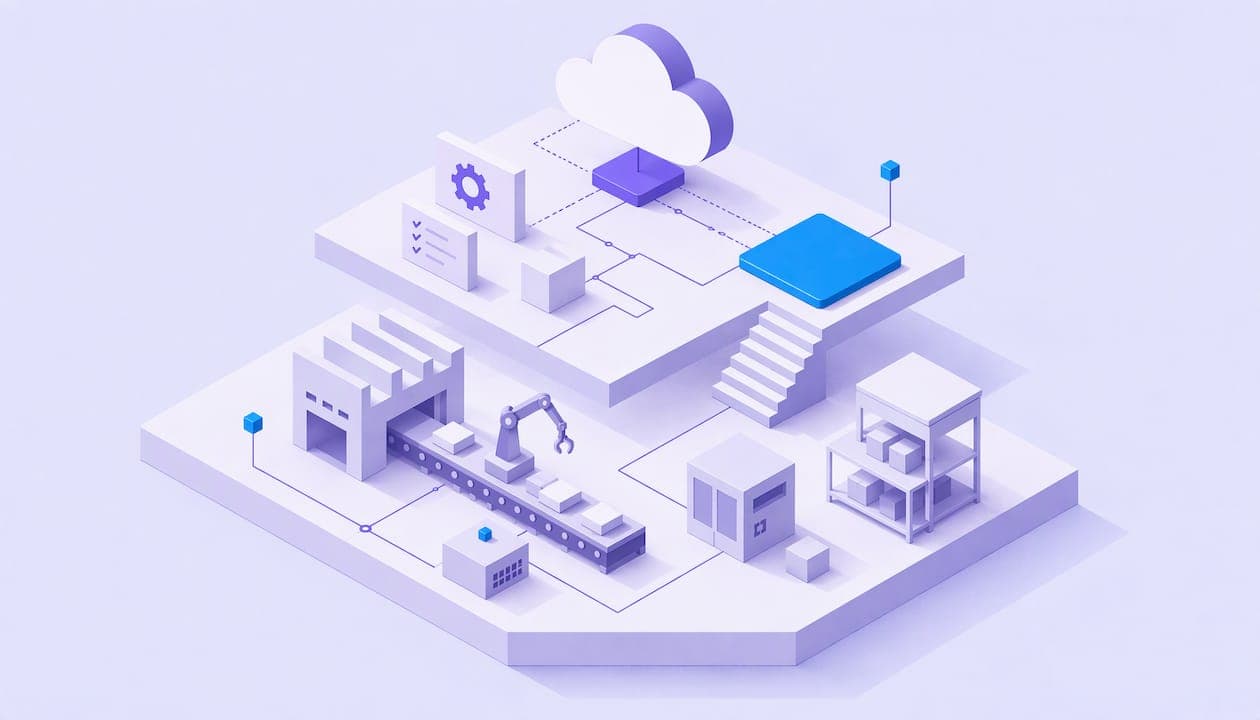
The most noticeable difference becomes clear on day one. A cloud-based computerized maintenance management system (CMMS) can be activated with a browser and a password. A local installation requires servers, database licenses, and almost always the involvement of an integrator for weeks before the first technician can create a work order.
The second point of friction arises with support. With an on-premise system, any incident (a server outage, a failure after a Windows update) falls to the internal IT staff, which an SME with 20 or 30 workers rarely has as a dedicated function. In the cloud model, the provider handles this technical maintenance.
Version management marks the third difference, especially if the company operates across several plants:
-
Updates: in the cloud, they are applied centrally and automatically; locally, each site may end up with a different software version.
-
Multi-plant deployment: a cloud CMMS lets you add a new location without installing anything physically, simply by adding users.
-
Continuity: changes in IT personnel do not compromise the system’s operation, because the infrastructure does not depend on a specific person within the company.
These advantages of centralized deployment and automatic updates are among the arguments most often cited in favor of cloud CMMS software compared with locally installed software.
Advantages and limitations of a cloud CMMS for industrial SMEs
The advantage that makes the biggest difference to a technician’s day-to-day work is mobility. An operator can open a work order from a mobile phone or tablet, attach a photo of the fault, scan an asset’s QR code, and close out the intervention without going back to the office to fill out paperwork. This ability to work directly in the field, with work orders accessible from any device, is one of the reasons why SMEs with multiple production lines or buildings adopt the cloud model sooner.

The second advantage is business continuity. The provider manages automatic backups and service availability, so a fire, theft, or hardware failure at the plant does not erase the maintenance history accumulated over the years.
The limitations are real and should be acknowledged:
-
It depends on a stable internet connection; without one, mobile access suffers.
-
Advanced customization is usually more limited than with a custom-built solution.
-
The company is tied to the product and pricing decisions of the provider it chooses.
Professional tip: before signing, ask the provider for the service availability record for the past twelve months. A specific figure is worth more than a sales promise.
Costs and TCO calculation for cloud CMMS
Comparing only the monthly license price is the most common mistake when evaluating providers. The total cost of ownership (TCO) of a cloud CMMS includes several elements that rarely appear in the first commercial proposal:
-
Subscription: the recurring payment per user or per plant, which varies depending on the features contracted.
-
Implementation: hours spent on initial configuration, asset migration, and loading historical data.
-
Integrations: connection to the ERP, IIoT sensors, or existing purchasing systems.
-
Residual hardware: tablets or terminals for technicians who do not have their own device.
-
Training: time spent getting operators to actually adopt the system, not just installing it.
The SaaS model reduces TCO mainly by eliminating investment in servers and simplifying IT support, but that reduction only materializes if implementation and training are planned properly from the outset.
Before signing, it is worth asking the provider: What exactly is included in the monthly fee? Is there a cost for integration with the ERP? What happens to the data if we cancel the contract?
Key steps for implementing a cloud CMMS
An orderly implementation avoids the most common mistake: buying software before knowing what you want to measure with it.
-
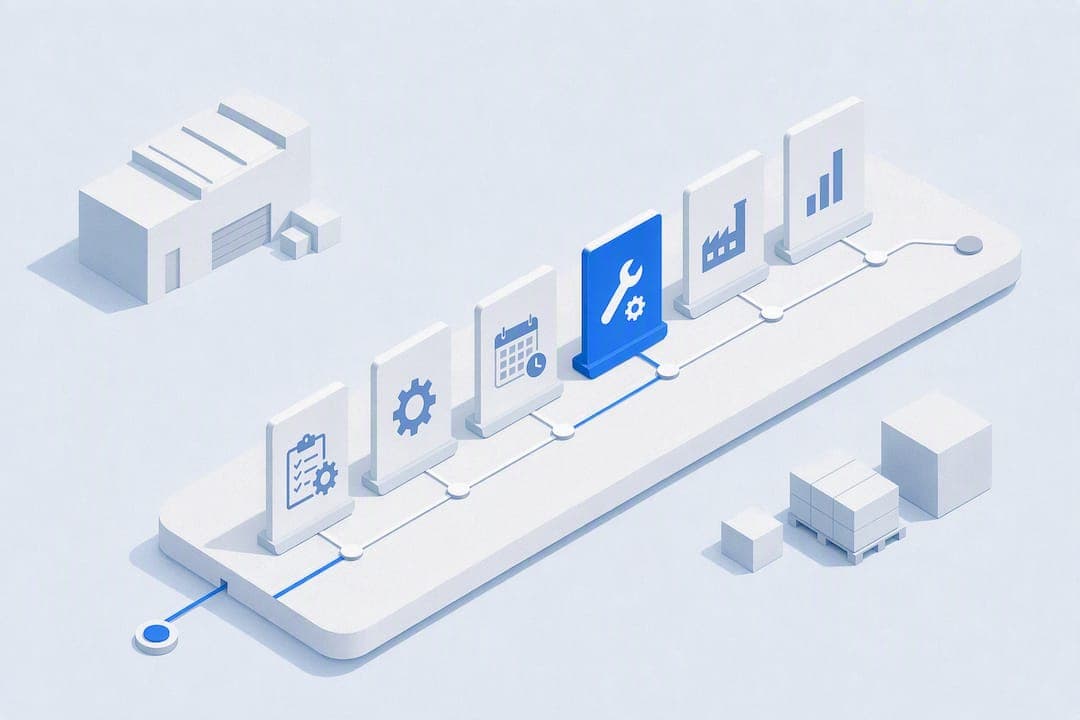
Define scope and KPIs (weeks 1–2). Decide which critical assets you will manage first and which indicator you want to improve: mean time to repair, machine availability, or spare parts cost.
-
Choose a provider and run a pilot (weeks 3–4). Test the system on a small group of critical equipment before rolling it out to the entire plant.
-
Migrate data and train technicians (weeks 5–6). Load the intervention history, configure work order templates, and dedicate real time to getting the maintenance team to use the tool, not just see it in a demo.
-
Measure and adjust (from week 8 onward). Compare the first actual KPIs against the initial target and correct workflows that do not fit day-to-day operations.
Professional tip: start the pilot with the five assets that cause the most unplanned downtime. If the system proves its value there, adoption across the rest of the plant is much easier.
Ease of use is no minor detail: when the technical team actually uses the system every day, preventive maintenance effectiveness improves noticeably compared with implementations that are only partially used.
Security, backups, and GDPR compliance
A serious cloud CMMS provider should be able to demonstrate, not just claim, several minimum requirements:
-
Encryption of data both in transit and at rest.
-
A signed Data Processing Agreement (DPA), required by the GDPR for any provider that processes company data.
-
Data location within the European Union or under a recognized transfer framework.
-
Documented recovery objectives (RTO and RPO), that is, how long it takes to restore the service and how much information can be lost at most after an incident.
-
Regular recovery tests, not just a backup that no one has checked works.
The principles of an information security management system (access controls, encryption, periodic audits) are a useful reference when drafting specifications or comparing SLAs between providers.
Mobile and IIoT integration: connecting sensors and field technicians
The shift from a reactive CMMS to a predictive one depends on integration with sensors. There are three main ways to connect the plant to the software: the provider’s native IIoT connectors, an open API for custom development, or intermediate gateways that translate industrial protocols into the language of the cloud system.
The benefits are noticeable in three areas:
-
Automatic alerts when a sensor detects vibration, temperature, or consumption outside the normal range.
-
Work orders generated directly by that event, without a supervisor having to create them manually.
-
Tracking spare parts consumption linked to each intervention, useful for anticipating purchases.
This type of integration between sensors and CMMS platforms makes it possible to generate work orders automatically from alerts, rather than waiting for someone to spot the fault with the naked eye. The main technical challenge is latency: an unstable connection in the plant delays the alert and, with it, the technician’s response. It is worth checking network coverage before deploying sensors in areas far from the main router.
How an all-in-one platform accelerates CMMS adoption
Bold Factory integrates production (MES), planning and purchasing (MRP), warehousing (SGA), and maintenance (CMMS) in a single system, with artificial intelligence agents that automate repetitive tasks based on natural-language instructions. The interface is designed for operators to use on their mobile phones without extensive prior training.
When maintenance, production, and warehousing share the same data in real time, there is no longer any point in asking why a work order arrived late: the system has already generated it at the moment the problem occurred.
This integrated approach is what makes implementation in days possible, compared with the months typically required for a custom IT project.
On the other hand, AI agents can generate work orders, alert users to low spare parts levels, and turn natural-language instructions into automated tasks, without requiring the maintenance manager to program or rely on an external integrator. If you are evaluating providers, ask them during the demo to show you the assisted maintenance module connected live to production, and check how long it really takes to get it running with your own assets. You can start by learning about the software for factories and industrial SMEs and requesting a demonstration using your real data.
The real trend is not “more features,” but fewer screens. The platforms gaining ground are those that integrate maintenance with production and purchasing in a single system, with AI agents that take on administrative work. Prioritize the project that reduces hours lost to paperwork this very week, not the one with the most features on the technical datasheet.
Conclusion
The decision-making criterion is simple: if your plant needs mobility, multiple locations, or a reduced internal IT burden, the cloud wins. This week, you can make progress on three fronts: check network coverage in the plant, ask two providers for a real TCO breakdown, and schedule a pilot using your most critical assets.
Sources
To explore the comparison between cloud and on-premise models in more depth, DimoMaint’s analysis of cloud or on-premise CMMS projects offers additional decision-making criteria. For integrations with industrial sensors, the Lully orchestration platform illustrates how AI applied to warehouses anticipates spare parts needs before they run out.
Frequently asked questions
What is a CMMS and what is it used for?
A CMMS is a maintenance management system that centralizes work orders, asset histories, and the planning of preventive and corrective interventions in a factory or facility.
Are there free CMMS versions?
There are free or trial versions with limits on users and assets, but for an SME with several production lines, they are often lacking in mobility and integration features.
What is the difference between a cloud CMMS and a traditional one?
A cloud CMMS is installed without your own servers, is updated automatically, and provides immediate mobile access; the traditional model requires local infrastructure and internal IT support.
How do I choose between different cloud CMMS providers?
Compare the actual TCO (not just the license), ask for references on service availability, and check whether it offers mobile and IIoT integration, as an integrated platform such as Bold Factory does.
What role does cloud storage play in a CMMS?
Cloud storage keeps the intervention history, photos of faults, and technical documentation, making it possible to retrieve that information if the plant’s physical equipment fails.